Configuring notifications in MAX
You can receive notifications from the online centre via the MAX messenger. To do this, you can connect the Netcraze Cloud bot within the Netcraze app.
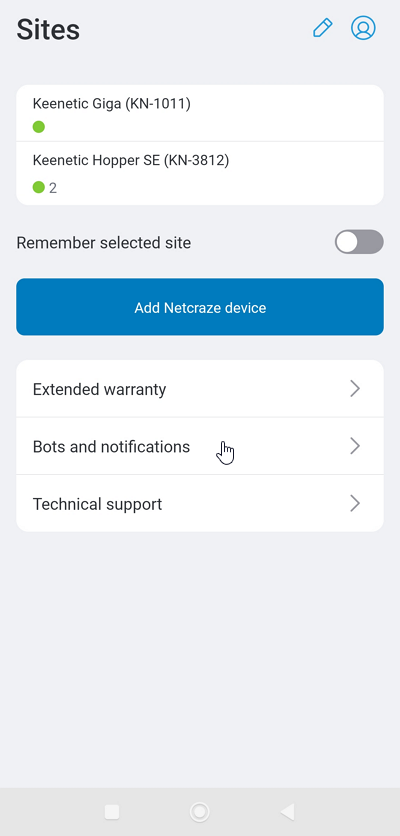
Launch the app. On the Sites screen, go to the Bots and notifications.
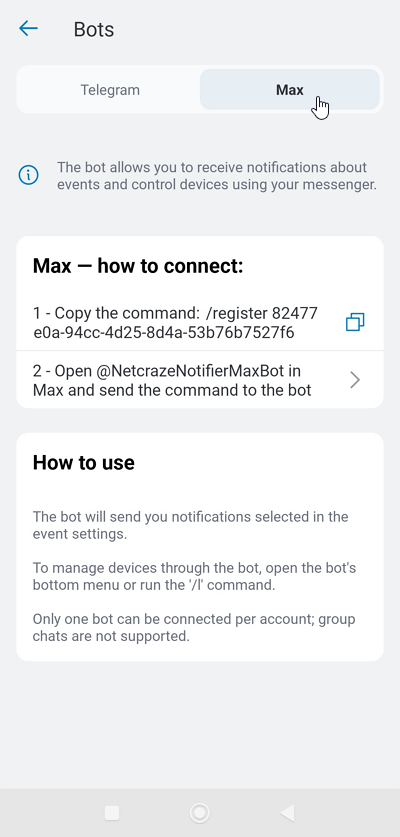
Go to the Max tab.
To connect the bot, you’ll need to follow two steps:
1 - Copy the command /register to the clipboard
2 - Open the bot and send it the command /register
Tap items 1 and 2 in sequence.
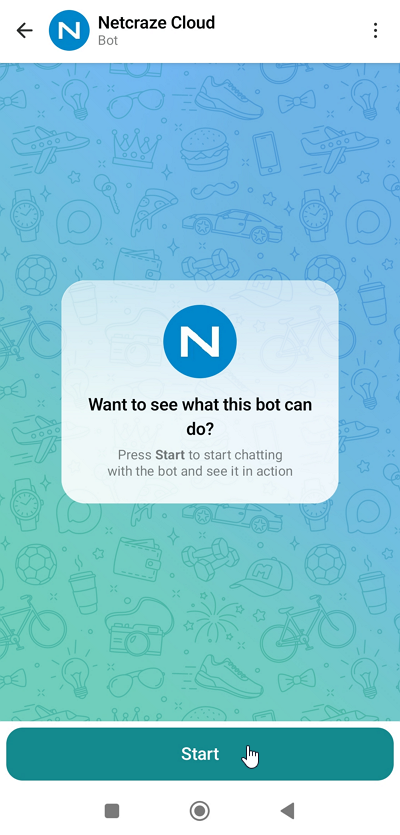
In the MAX messenger window that appears when you launch the bot for the first time, click Start, paste the /register command from the clipboard and send it to the bot. Once you have successfully connected, a message similar to the following will appear: Account connected to MAX bot.
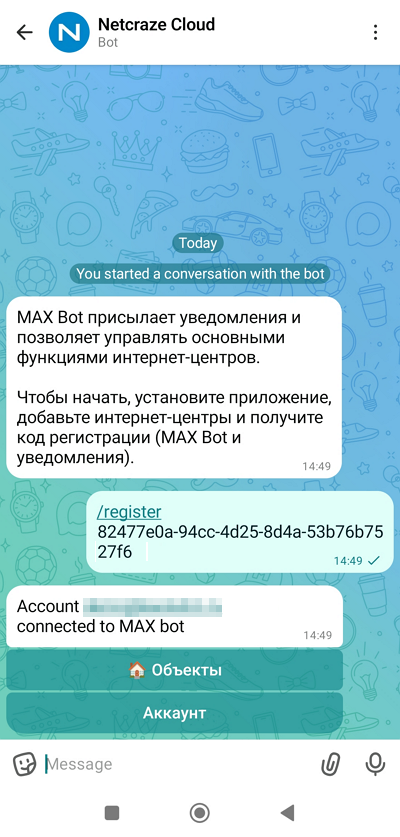
Once you have done this, you will be able to receive notifications in the MAX messenger about events on your router. In addition to this feature, the Netcraze Cloud bot also allows you to manage your router's main functions.
Additional information on setting up notifications can be found in the article Setting up notifications in the app.
There is also an alternative way to connect and set up notifications in the MAX messenger. This can be done via the Netcraze Cloud portal.